Copy any page as Markdown or plain text
The free URL to Text Chrome extension turns the page you're on into clean text in one click, ready to paste into ChatGPT, Claude, your notes or a document.
What it does
- One click. Click the toolbar icon and the page is copied to your clipboard and opened as text in a new tab.
- Markdown or plain text. Keep headings, links, lists and tables as Markdown, or get simple plain text.
- Main content or whole page. Keep just the article, or everything that's visible on the page.
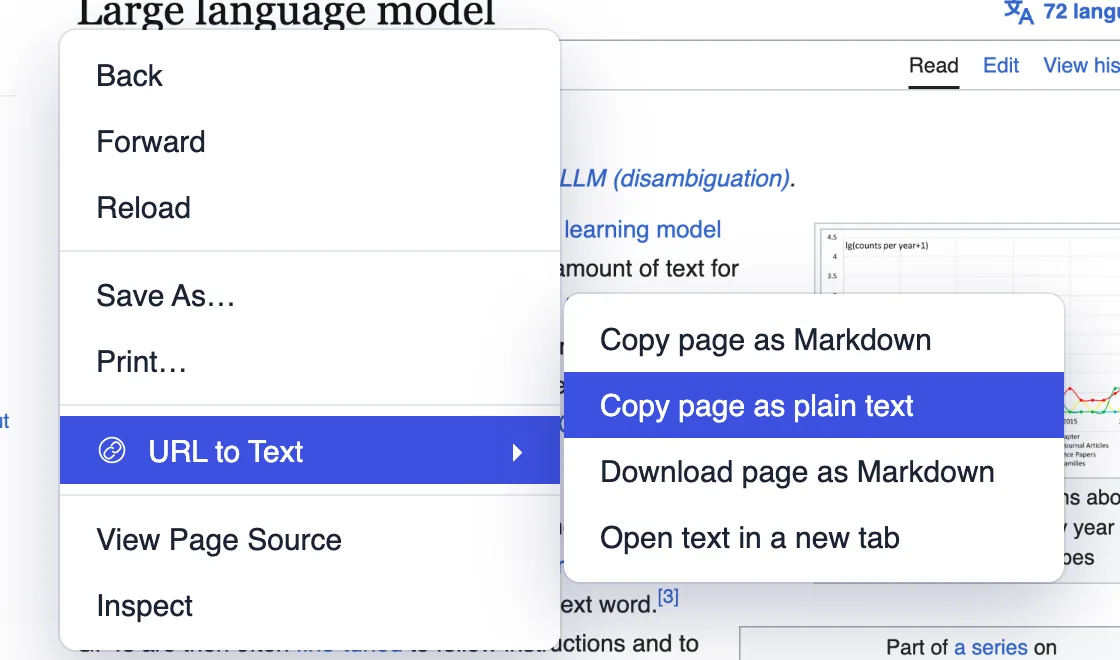
- Right-click menu. Copy the page as Markdown or plain text, download it as a Markdown file, or open the text in a new tab. Select some text first to copy just that part.
- Keyboard shortcut. Press Alt+Shift+C (Option+Shift+C on Mac) to do the same thing without the mouse.
- Word count and downloads. Right-click the toolbar icon for your settings, the word and token count, and .txt or .md downloads.
- Private. Everything happens in your browser. Nothing you copy is sent to us or anyone else.
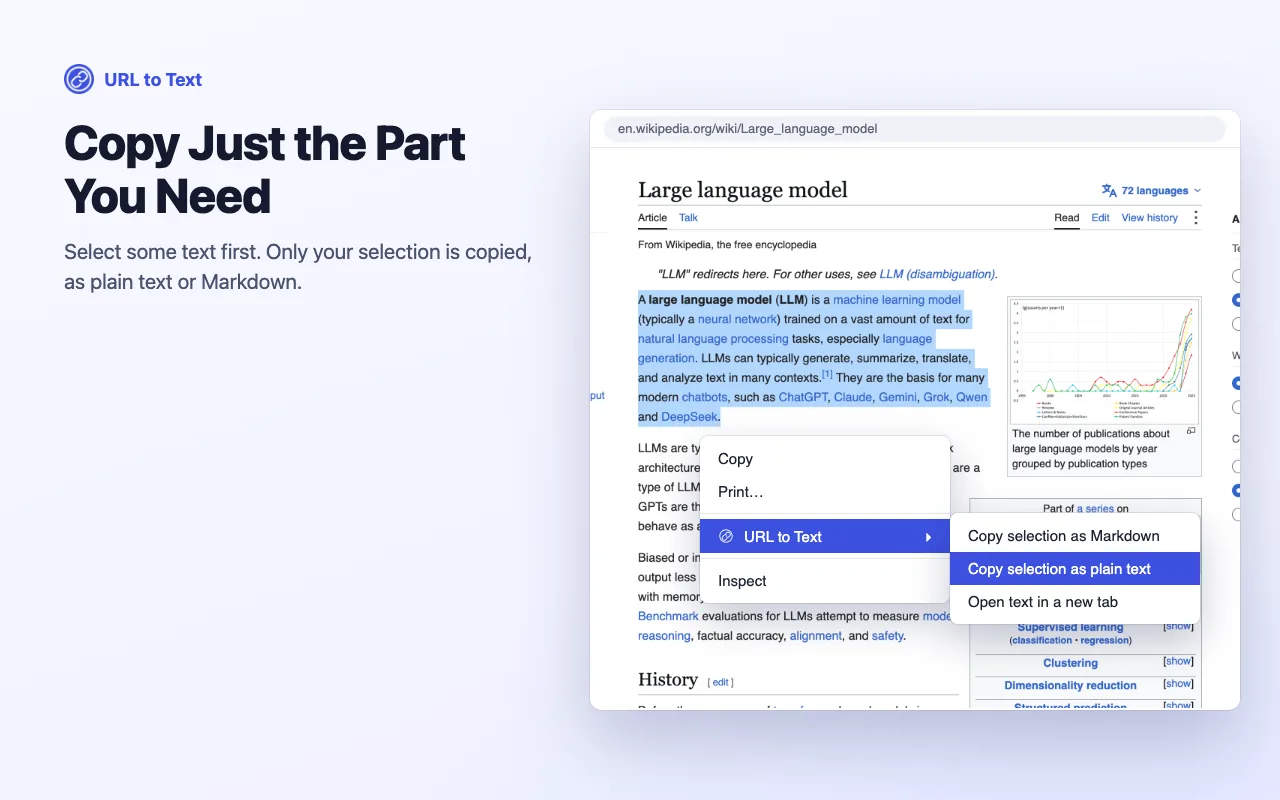
Copy just the part you need
Select some text first, then right-click. Only your selection is copied, as plain text or Markdown. And because the extension reads the page you already have open, it works on pages behind a login and on sites that load their content with JavaScript.
When you outgrow the extension
The extension copies the page in front of you. The URL to Text API does the same job at scale:
- Many URLs at once. Convert a list of pages from a script, a spreadsheet or Zapier.
- From your own code. One endpoint returns clean text, Markdown or HTML.
- No browser needed. We render JavaScript on our servers and can use proxies for sites that block scrapers.
- AI built in. Ask for a summary or pull out specific fields with a custom prompt.
Frequently asked questions
Is the extension free? +
Yes. The extension is completely free with no account, no limits and no ads.
Does it send my pages anywhere? +
No. All text extraction happens in your browser. The extension makes no network requests and has no analytics.
Can it copy only the main article? +
Yes. Choose Main content to keep just the article or post, or Whole page to copy everything that's visible, including menus and sidebars.
Does it work on pages behind a login? +
Yes. Because it reads the page you already have open, it works on anything you can see in your browser, including pages behind a login.
How is this different from the URL to Text API? +
The extension copies the page in front of you, one at a time. The API converts any number of URLs from your own code or tools like Zapier, renders JavaScript on our servers, and can use proxies for sites that block scrapers.